Zoom-in: Asymmetric Encryption
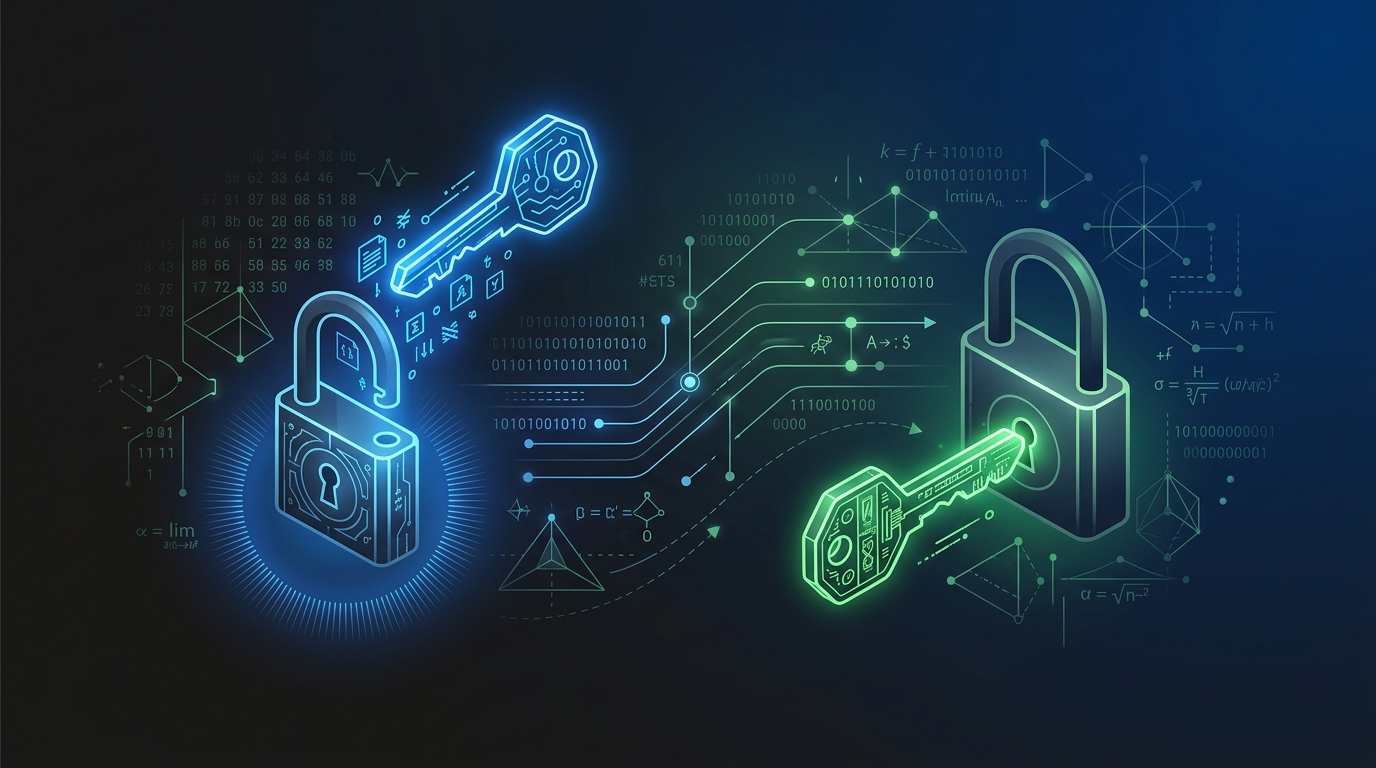
The browser shows a green padlock — connection is secure. Data is encrypted. Most people stop there.
graph LR
    C(["🔒 HTTPS"]) -->|"secure"| S(["✅ Connection"])
    style C fill:#1e293b,stroke:#475569,color:#cbd5e1
    style S fill:#1e293b,stroke:#475569,color:#cbd5e1
Zoom in on the black box.
Layer 1 — The root problem: symmetric encryption requires sharing a key
The simplest form of encryption is symmetric encryption: the same key to encrypt and decrypt. Fast and efficient — but with one unsolvable problem.
sequenceDiagram
    participant A as Alice
    participant E as 🕵️ Eve (eavesdropping)
    participant B as Bob

    A->>B: "Use this key: XK9m#..."
    Note over E: Eve intercepts the key in transit
    A->>B: "Encrypted message: ..."
    Note over E: Eve uses the intercepted key to decrypt
To communicate securely, both parties need the same key. But to exchange that key over an insecure internet connection, another key is needed to encrypt it — a loop with no exit.
Layer 2 — The key pair: public key and private key
Asymmetric encryption uses two mathematically linked keys: a public key (shared with everyone) and a private key (known only to the owner).
graph LR
    Gen["🔑 Key Generator"] -->|"creates"| Pub["📢 Public Key\n(share publicly)"]
    Gen -->|"creates"| Priv["🔒 Private Key\n(keep secret)"]

    style Gen fill:#3b2a1a,stroke:#f59e0b,color:#fcd34d
    style Pub fill:#1e3a5f,stroke:#3b82f6,color:#93c5fd
    style Priv fill:#1a3a2a,stroke:#22c55e,color:#86efac
Two key properties:
- Encrypt with public key → only private key can decrypt: anyone can send a secret message to the key owner
- Sign with private key → anyone can verify with public key: proves the message came from the key owner
These two properties solve two different problems — and both matter in HTTPS.
Layer 3 — One-way math: why it can't be reversed
The security of asymmetric encryption rests on math problems that are easy to compute in one direction, practically impossible to reverse.
Example with RSA: multiplying two large primes is easy, but factoring the product back into its two factors is extremely hard:
p = 104729          q = 224737
n = p × q = 23,540,041,273    ← computed in microseconds

Given n = 23,540,041,273 → find p and q?
→ With numbers large enough (2048 bits): supercomputers need thousands of years
In practice, RSA uses prime numbers hundreds of digits long. No practical algorithm can factor them in reasonable time.
Layer 4 — Certificates: who vouches for the public key
If an attacker can substitute their own public key in transit, all encryption becomes meaningless. This is solved by certificates — digital documents confirming who a public key belongs to.
sequenceDiagram
    participant Server as karify98.site
    participant CA as 🏛️ Certificate Authority\n(DigiCert, Let's Encrypt...)
    participant Browser as Browser

    Server->>CA: "Here is my public key, please vouch for it"
    CA->>CA: Verify domain ownership
    CA-->>Server: Certificate (public key + CA's signature)

    Browser->>Server: HTTPS request
    Server-->>Browser: Certificate
    Browser->>Browser: Verify CA's signature\n(browser trusts CA because CA is pre-installed)
    Browser-->>Browser: ✅ Public key is trustworthy
Browsers ship with a pre-installed list of trusted Certificate Authorities (CA) — around 150 organizations embedded in the operating system. When a server presents a certificate signed by a CA, the browser trusts it because it trusts the CA.
Full picture
How HTTPS combines everything to establish a secure channel.
sequenceDiagram
    participant C as Browser
    participant S as Server

    C->>S: ClientHello — supported cipher suites
    S-->>C: Certificate (public key + CA signature)
    C->>C: Verify certificate ✓

    Note over C,S: Key exchange using asymmetric encryption
    C->>S: Session key encrypted with server's public key
    S->>S: Decrypt session key with private key

    Note over C,S: From here, symmetric encryption (faster)
    C->>S: Data encrypted with session key 🔒
    S-->>C: Response encrypted with session key 🔒
HTTPS doesn't use asymmetric encryption to encrypt all data — only to safely exchange the session key. After that it switches to symmetric encryption because it's orders of magnitude faster.
Three common misconceptions
HTTPS encrypts everything with RSA
RSA is only used during the TLS handshake to exchange the session key. The actual data is encrypted with AES (symmetric encryption) because AES is hundreds of times faster than RSA. Every HTTPS connection uses a unique session key.
Green padlock = trustworthy website
The padlock only guarantees the connection is encrypted — not that the website is legitimate. Phishing sites can have HTTPS and a green padlock, because Let's Encrypt issues free certificates to anyone who controls a domain.
The private key must be shared with the CA
The CA never sees the private key. The CA only confirms that a public key belongs to the domain owner, then signs that confirmation. The private key always stays on the server — if it leaks, the certificate must be revoked immediately.
Takeaway
Asymmetric encryption exists to solve the problem of exchanging a secret over a public channel — not to encrypt data (too slow for that). Certificates exist because a public key needs to be verified as genuine. Every piece of the HTTPS chain solves a specific problem left by the one before it.
When hitting an SSL error, the right question is: "did the certificate expire, does it not match the domain, or is the CA not trusted?" — browsers usually report exactly which type of error when you read the error message carefully.
Article assisted by Amy 🌸 - AI Assistant. Content reviewed by the author.
Related Posts
Zoom-in: CORS
Access-Control-Allow-Origin header is missing. The infamous red error in the browser console. Why does it exist and what problem does it solve?
Zoom-in: OAuth 2.0
'Sign in with Google' hides a delegation mechanism where your password never leaves Google. OAuth 2.0 solves the authorization problem without sacrificing security.
Zoom-in: JWT
Log in, call an API, server lets you through. Inside that token is a digital signature — not encryption, and that distinction matters.