Zoom-in: Git Commit
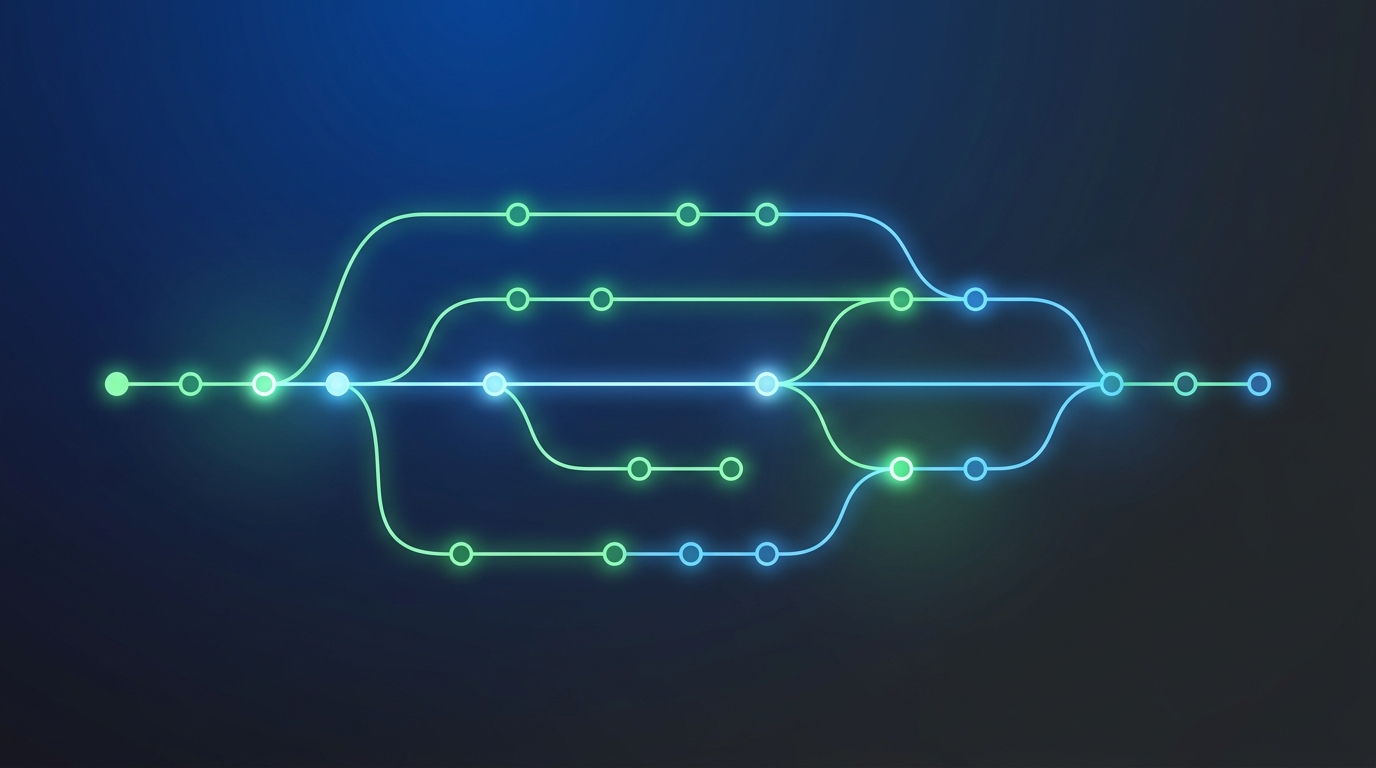
git commit -m "fix bug" — one command. Under the hood is an immutable data structure that has existed for nearly 20 years without needing major changes. Understanding it explains why rebase, cherry-pick, and merge work the way they do — and why "deleting a commit" in Git doesn't actually delete anything.
Zoom in.
Layer 1 — Blob: storing file content
Git doesn't store diffs. Git stores snapshots of full file content.
graph LR
    F["📄 hello.txt\n'Hello, world!'"] -->|"SHA-1 hash"| B["🗂️ Blob\nsha: a8c3f..."]
    style F fill:#1e3a5f,stroke:#3b82f6,color:#93c5fd
    style B fill:#3b2a1a,stroke:#f59e0b,color:#fcd34d
Each file is hashed with SHA-1 (newer Git uses SHA-256). The result is a blob — an object that stores file content with no filename, no metadata. Two files with identical content → one blob, stored once.
Content changes → hash changes → new blob. The old blob is not deleted — Git is append-only by design.
Layer 2 — Tree: storing directory structure
A tree object is a snapshot of a directory at a point in time.
graph TD
    T["🌳 Tree (root)\nsha: 9f2a1..."]
    T -->|"README.md"| B1["🗂️ Blob\nsha: a8c3f..."]
    T -->|"src/"| T2["🌳 Tree\nsha: 4d7e8..."]
    T2 -->|"index.ts"| B2["🗂️ Blob\nsha: c91b2..."]
    T2 -->|"utils.ts"| B3["🗂️ Blob\nsha: 7f4a9..."]

    style T fill:#3b2a1a,stroke:#f59e0b,color:#fcd34d
    style T2 fill:#3b2a1a,stroke:#f59e0b,color:#fcd34d
    style B1 fill:#1e3a5f,stroke:#3b82f6,color:#93c5fd
    style B2 fill:#1e3a5f,stroke:#3b82f6,color:#93c5fd
    style B3 fill:#1e3a5f,stroke:#3b82f6,color:#93c5fd
A tree stores a list of entries: name, permissions, and the SHA-1 of a blob or subtree. Nested directories = a tree pointing to another tree.
If only utils.ts changes, Git creates a new blob for utils.ts, a new tree for src/, a new root tree — but index.ts and README.md still point to their original blobs. No copying, no duplication.
Layer 3 — Commit object: metadata and history
A commit object wraps a tree and adds context.
graph LR
    C["📦 Commit\nsha: 1a2b3c...\n---\ntree: 9f2a1...\nparent: 8e4f7...\nauthor: Nam\ndate: 2026-06-25\nmessage: fix bug"]
    C -->|"points to"| T["🌳 Tree\nsha: 9f2a1..."]
    C -->|"points to"| P["📦 Parent commit\nsha: 8e4f7..."]

    style C fill:#1a3a2a,stroke:#22c55e,color:#86efac
    style T fill:#3b2a1a,stroke:#f59e0b,color:#fcd34d
    style P fill:#1a3a2a,stroke:#22c55e,color:#86efac
A commit contains: the SHA-1 of its tree (current snapshot), the SHA-1 of the parent commit (previous state), author, timestamp, and message.
The commit's own SHA-1 is computed from all of the above — including the parent SHA. Change anything (message, timestamp, parent) → the commit gets a new SHA-1. This is why git commit --amend creates a new commit, not a modification of the old one.
Layer 4 — Branch: just a pointer
A branch is not a container, not a copy. A branch is a file containing one SHA-1.
graph LR
    Main["🔖 main\n→ C3"] --> C3["📦 Commit C3\nsha: 1a2b3c"]
    Feature["🔖 feat/login\n→ C4"] --> C4["📦 Commit C4\nsha: 7d9e2f"]
    C3 --> C2["📦 Commit C2\nsha: 8e4f7a"]
    C4 --> C2
    C2 --> C1["📦 Commit C1\nsha: 3c8d1e"]

    style Main fill:#1e3a5f,stroke:#3b82f6,color:#93c5fd
    style Feature fill:#1e3a5f,stroke:#3b82f6,color:#93c5fd
    style C1 fill:#1a3a2a,stroke:#22c55e,color:#86efac
    style C2 fill:#1a3a2a,stroke:#22c55e,color:#86efac
    style C3 fill:#1a3a2a,stroke:#22c55e,color:#86efac
    style C4 fill:#1a3a2a,stroke:#22c55e,color:#86efac
Creating a branch: Git writes a small file in .git/refs/heads/ containing the current commit's SHA-1. Costs a few bytes. New commit: the branch pointer updates to the new SHA-1.
This explains why:
- Creating/deleting branches is instant — just creating/deleting a small file
git rebasechanges parent pointers → every subsequent commit gets a new SHA-1 → history is "rewritten"git cherry-pickcreates a new commit with the same diff but a different SHA-1 (because the parent differs)- "Deleting" a commit just moves the pointer — the commit object remains in the object store until
git gccleans up
Full picture
graph TD
    subgraph "Object Store (.git/objects)"
        B1["🗂️ Blob: hello.txt"]
        B2["🗂️ Blob: index.ts"]
        T1["🌳 Tree: src/"]
        T2["🌳 Tree: root"]
        C1["📦 Commit C1"]
        C2["📦 Commit C2"]
    end

    subgraph "Refs (.git/refs)"
        Main["🔖 main → C2"]
        HEAD["👁️ HEAD → main"]
    end

    HEAD --> Main --> C2
    C2 -->|"tree"| T2
    C2 -->|"parent"| C1
    T2 -->|"src/"| T1
    T1 -->|"index.ts"| B2
    T2 -->|"hello.txt"| B1

    style B1 fill:#1e3a5f,stroke:#3b82f6,color:#93c5fd
    style B2 fill:#1e3a5f,stroke:#3b82f6,color:#93c5fd
    style T1 fill:#3b2a1a,stroke:#f59e0b,color:#fcd34d
    style T2 fill:#3b2a1a,stroke:#f59e0b,color:#fcd34d
    style C1 fill:#1a3a2a,stroke:#22c55e,color:#86efac
    style C2 fill:#1a3a2a,stroke:#22c55e,color:#86efac
    style Main fill:#1e3a5f,stroke:#3b82f6,color:#93c5fd
    style HEAD fill:#1e3a5f,stroke:#3b82f6,color:#93c5fd
Takeaway
Git is a content-addressed object store. Blobs store content, trees store structure, commits store snapshots and history, branches are pointers. SHA-1 is the immutable identifier — changing anything produces a new object.
This has practical consequences: rebase is safe on a personal branch but dangerous on a shared one because it rewrites SHA-1 for every commit downstream — anyone using the old SHA-1s will hit conflicts. merge preserves history, rebase makes it linear. Both are valid — context determines which fits.
This post was assisted by Amy 🌸 - AI Assistant. Content has been reviewed by the author.
Related Posts
Zoom-in: Git Worktree
git worktree — Git's hidden superpower for multitasking. Understand how Git coordinates flat .git text files, worktree metadata, and commondir to support parallel branches without cloning.
ZCode Secretly Uploads Your Entire Git History to the Cloud
Zhipu's ZCode packages your .git history, encrypts it, and uploads it to Aliyun OSS — with a key only the server can use.
Cursor Launches Origin, a GitHub Rival Built for the Agentic Era
Cursor ships Origin, its first in-house code host, pitched for the AI-agent era. The debate it sparked is about trust, not features.