Don’t Wait for an Incident to Care About Logging

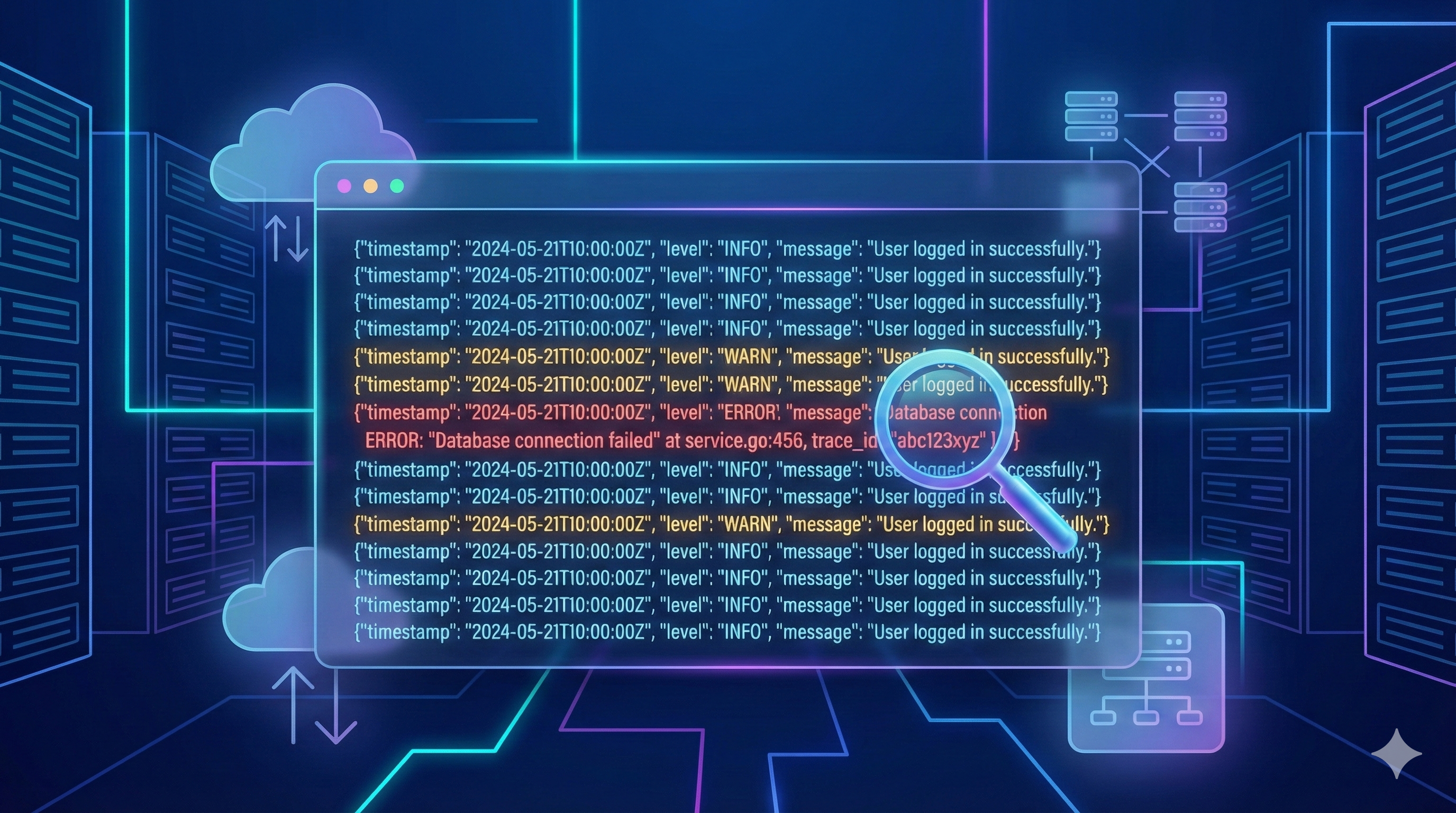
Logging is often overlooked until a serious incident occurs. When the system breaks and logs are missing structure or important details, investigation becomes slow, painful, and expensive. This article explains why you should invest in proper logging early and how to improve your logging system in a practical, realistic way.
Everything Works — Until It Doesn’t
The system is smooth, dashboards are green, no alerts in sight. But once an error happens, you open the logs and realize: important information is missing, formats are inconsistent, and you can’t trace anything clearly. This is the result of “logging for the sake of logging” — and the consequences are usually costly.
What Logs Are and Why They Matter
What Are Logs?
Logs are records that reflect the state and behavior of a system: user actions, request/response data, errors, background tasks, security events, and important system changes. Logs are the core observation data that tell you what the system is doing and what it has done.
Why Logs Are Important
-
Faster incident diagnosis When something breaks, logs are the only data source that can systematically answer: What happened? Why? When? Where? How?
-
Reduced downtime Structured, complete logs help teams identify the root cause faster, reduce fix time, and minimize user impact.
-
Understanding user behavior and system activity Logs reveal anomalies, usage patterns, performance bottlenecks, and opportunities to improve the experience.
-
Supporting audit & compliance Logs provide transparent event trails, supporting traceability and meeting security and compliance requirements.
-
Strengthening observability Logs are one of the three pillars of observability. Good logs improve analysis accuracy, dashboards, alerts, and root-cause investigations.
-
Reducing operational risks in complex systems In distributed, event-driven, microservices, or serverless architectures, logs are the only reliable way to understand data flows and interactions across components.
Logs are how your system communicates with you.
Signs of a Poor Logging System
Common symptoms include:
- Logs are noisy but unhelpful — lots of data, little value.
- Important logs are hard to find — no structure, filtering strategy, or severity separation.
- Inconsistent formats — each module logs differently, making analysis harder.
- Missing essential context — no user ID, request ID, session ID, trace ID, or environment info.
- Sensitive data leaks — passwords, tokens, credit card numbers, or raw payloads.
- No centralized system — logs scattered everywhere with no dashboard, search, filter, or correlation capability.
Principles of Effective Logging
1. Log with purpose — accurate and meaningful
- Don’t log everything; log what matters for operations, debugging, and audits.
- Focus on business events, errors, external calls, and state transitions.
- Avoid redundant logs and noise.
2. Use proper log levels
Each level has a clear purpose:
- debug: detailed information for debugging, usually off in production.
- info: system state, lifecycle events, business activities.
- warn: unusual but non-breaking behavior.
- error: failures that impact or may impact the workflow.
Wrong log levels = noisy data + poor analysis + inaccurate alerts.
3. Structured Logging (prefer JSON)
- Write logs as structured JSON for easy search, filtering, and indexing.
- Ideal for distributed systems (Lambda, Kubernetes, microservices).
- Optimized for CloudWatch Logs Insights, ElasticSearch, Athena.
4. Include essential context
Each log entry should include:
request_id/trace_iduser_id(if applicable)service/moduleaction/operation- Important (masked) inputs
- Processing state + execution time
Without context, logs lose diagnostic value.
5. Standardize logging conventions
- Same format, naming conventions, and structures across services.
- Shared log level guideline.
- Consistent context propagation (e.g., trace_id).
- Avoid each service logging in its own style.
6. Use professional logging libraries
Avoid manual console.log. Use libraries with performance, structure, and level support.
Node.js
- Winston – flexible, plugin-rich, enterprise-friendly.
- Pino – very fast, lightweight, and JSON-first.
- Bunyan – structured logging, stable ecosystem.
Golang
- Zerolog – extremely fast, zero-allocation, JSON-first.
- Zap (Uber) – high-performance structured logging.
Best practice: choose one library across all services to maintain format consistency.
7. Mask sensitive data
- Never log passwords, tokens, keys, credit card numbers, or raw PII.
- Mask or hash before logging.
- Maintain a sensitive-field filter configuration.
8. Log rotation & retention
- Configure rotation to prevent storage overflow.
- Set retention per log type based on audit needs and cost constraints.
- Different retention for: debug logs, app logs, security logs.
9. Integrate a centralized logging system
- CloudWatch, ELK, Datadog, Loki, Splunk, etc.
- Support querying, alerts, dashboards, and cross-service correlation.
- Avoid scattered logs that are impossible to analyze.
Tools and Strategies to Apply
1. Centralized Logging
- Collect logs from all services in one place for easier search and analysis.
- Store long-term logs in S3/Glacier with proper retention by log type.
- Apply rotation to manage size and cost.
Example: App logs in JSON → CloudWatch → Export to S3 daily → Query with Athena when needed.
2. Choose the right tool for your needs
- Not every system needs ELK; it’s complex and expensive.
- On AWS, CloudWatch Logs + Logs Insights works well for most use cases.
- For heavy analytical queries or large joins, Athena on S3 is a cost-effective option.
Takeaway
Logging is the foundation of modern operations — not an afterthought. Incident investigation, system monitoring, and performance optimization all depend on log quality.
Review the current logging setup: completeness, consistency, searchability, and real usefulness during incidents. A well-designed logging system reduces long-term operational risk significantly.